1 min read

How To Connect the Unconnected for Powerful Data Insights

How To Connect the Unconnected for Powerful Data Insights

Your users no longer have to struggle with manually tracking their blood pressure or glucose. We’re thrilled to announce the launch of a new technology that allows users to snap a picture of the reading on their existing medical device and automatically load it to myHealthCheck360.


The new myHealthCheck360 mobile app now supports more device connections than ever. And the best part is that users can continue to use the device they already have, even if it’s not currently connected to the internet or Bluetooth enabled. No more manually typing readings in.


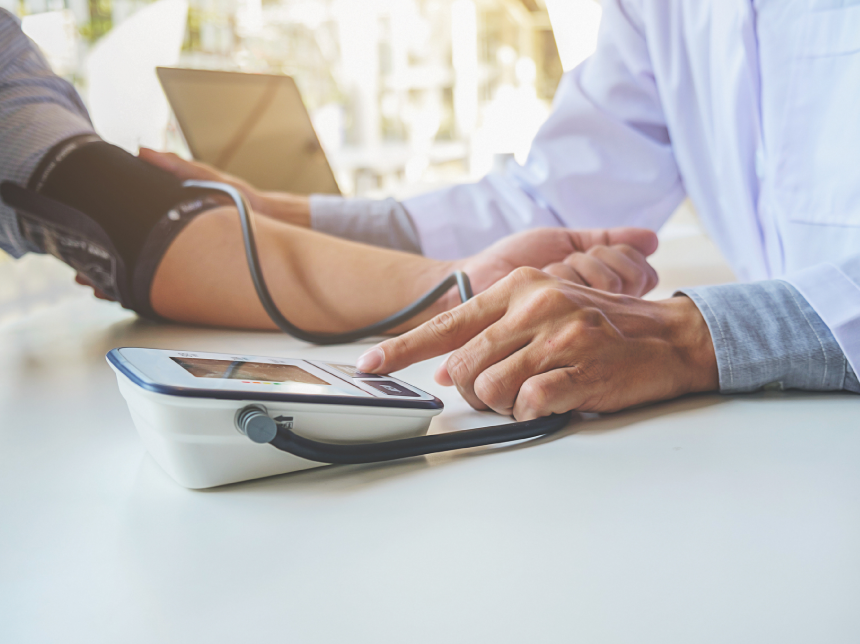
Simply snap a photo of your in-home medical device like blood pressure monitors, glucose meters, and heart rate monitors. The app automatically reads the device's screen and seamlessly loads the data to your myHealthCheck360 account in real-time.


To get step-by-step instructions on using this feature today, this article will step you through the process.


Learn more about our new mobile app here.


June Coaching Webinar | Seasonal Eating

June Coaching Webinar | Seasonal Eating

Summer is here—bringing sunshine, warmer weather, and an abundance of delicious, vibrant produce. It’s the perfect time to refresh your...

Read More
Free Resource: June 2026 Well-Being Calendar

Free Resource: June 2026 Well-Being Calendar

Eating with the seasons is a simple yet powerful way to support your health, boost energy, and enjoy more flavorful foods.

Read More
May Coaching Webinar | The 5 Cs of Mental Health

May Coaching Webinar | The 5 Cs of Mental Health

In today’s fast‑paced world, emotional resilience is more important than ever.

Read More