 Jenna Wesenberg
The Right Way to Catch Up on Sleep
November is recognized as National Sleep Comfort Month, a time to focus on healthier sleep habits and the factors that affect rest. It’s also a good...


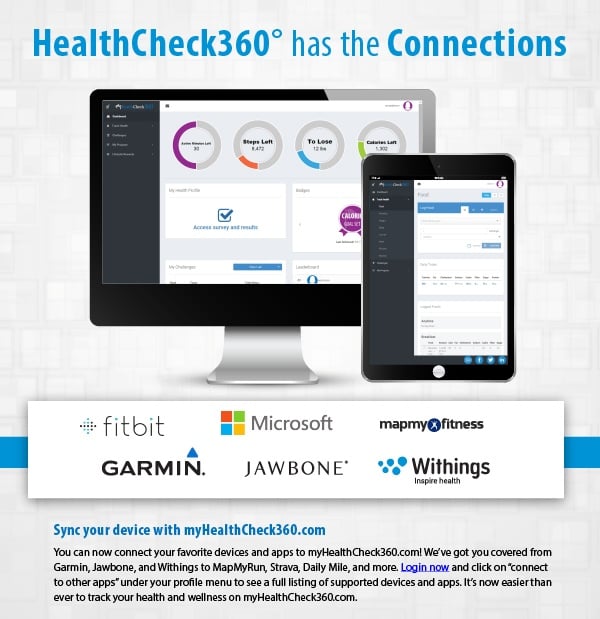
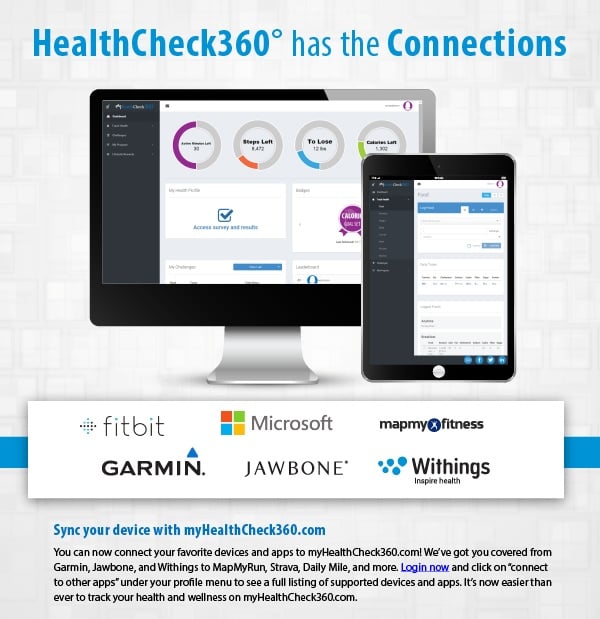
To view a list of supported devices, follow the instructions below:
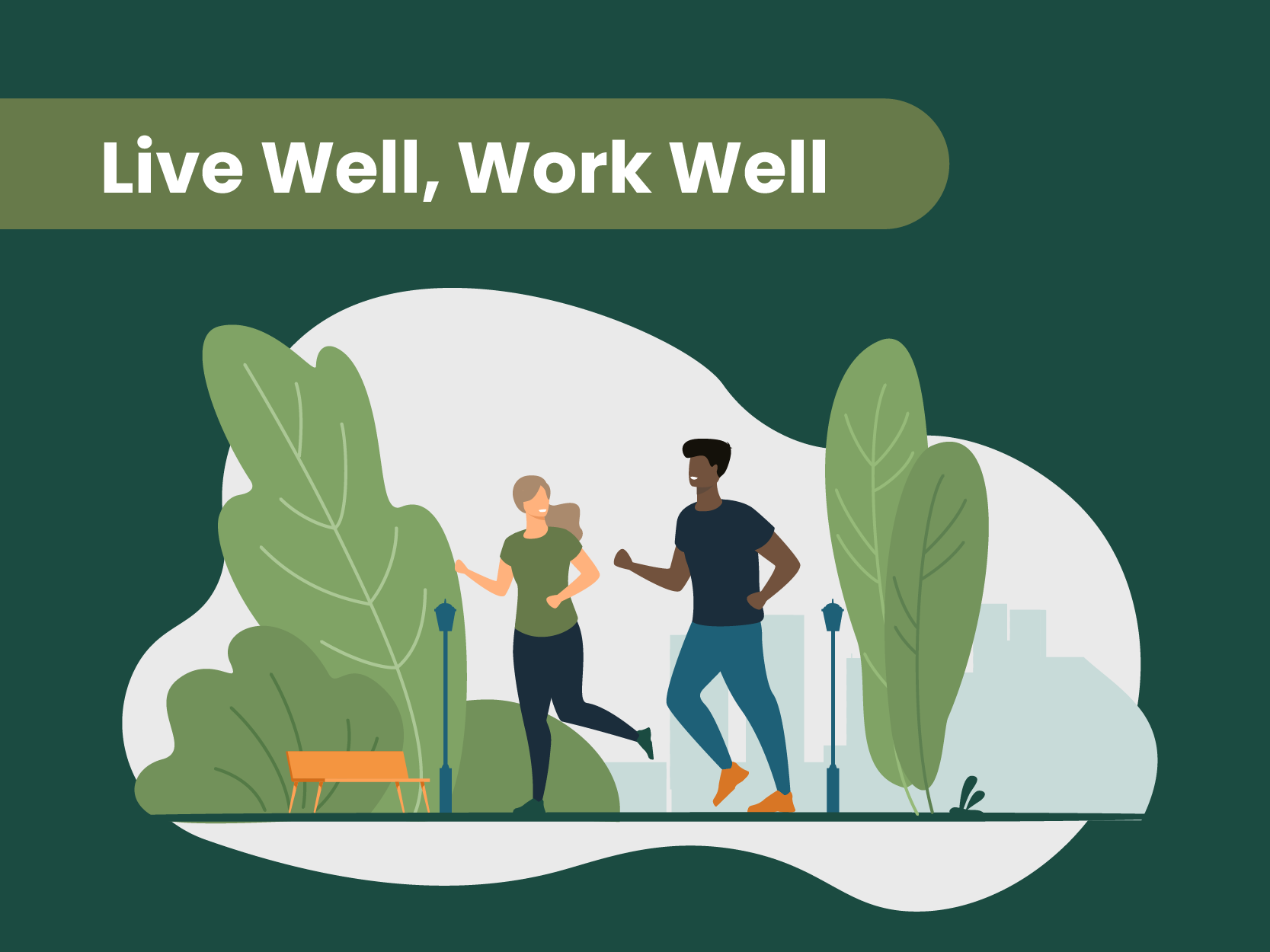
November is recognized as National Sleep Comfort Month, a time to focus on healthier sleep habits and the factors that affect rest. It’s also a good...
 Coach Trent: Nov 2, 2026, 10:00:01 AM
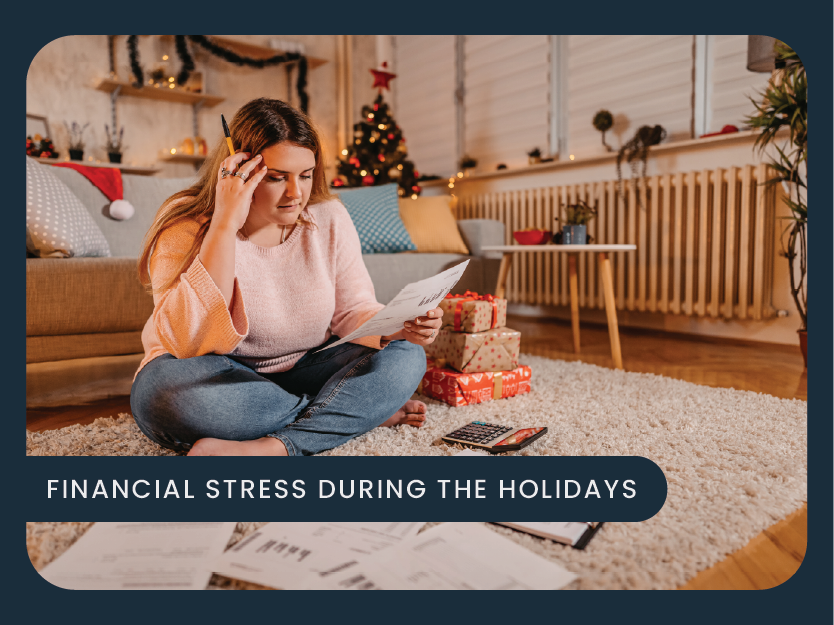
The holiday season is often considered a time of joy, generosity and togetherness. But for many Americans, it also brings a heavy dose of financial...
 Coach Shelby: Oct 28, 2026, 10:00:01 AM
You’ve had your biometric screening or annual doctor’s visit, and now you have a page full of numbers. But what do they actually...